

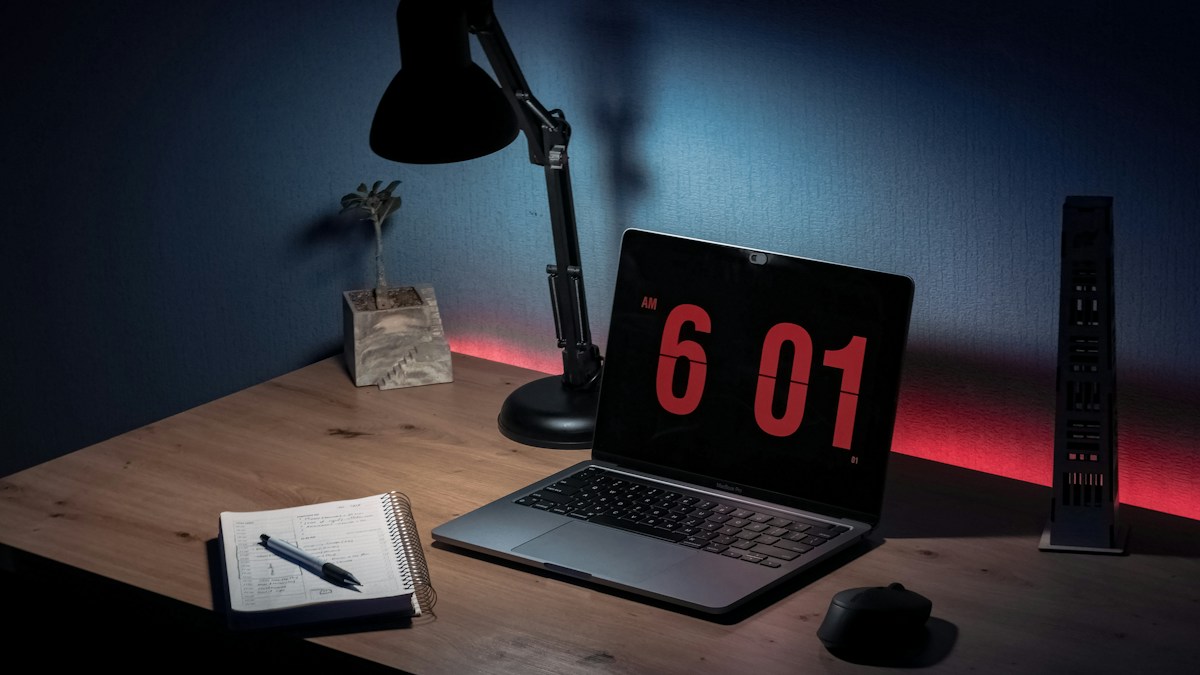
Streaming and video conferencing setups: how to mount 4K webcams alongside monitor light bars without video glare, lens flare, or clamp slippage.
The Mechanical Battle for Center Top Screen Real Estate
The top-center bezel of a monitor is the ideal position for two critical desktop accessories: a high-resolution webcam for eye-level Zoom/Teams calls and a monitor light bar for task illumination. Because both accessories require direct physical contact with the top bezel, mounting them together often leads to unstable stacks, drooping webcams, or blocked camera viewports.
Pass-Through Webcam Riser Plates and Cold-Shoe Clamps
Modern ergonomic monitor bars feature dedicated webcam accessory mounts. These include magnetic mounting plates positioned directly atop the weighted counterweight hinge, or universal 1/4″-20 threaded camera studs. This elevates the camera lens 2 inches above the light bar chassis, completely preventing the light bar body from intruding into the camera field of view.
Eliminating Lens Flare and Downward Spill on Video Calls
A poorly positioned webcam mounted directly beneath or behind an open light bar suffers from severe internal lens flare, veiling glare, and blown-out top-of-head highlights on camera. Ensuring your light bar has a true 45-degree forward optical cutoff ensures zero stray photons bleed upward into the camera aperture.
Technical Specifications & Engineering Matrix
| Mounting Method | Stability Rating | Vibration Resistance | Camera Height Ergonomics | Compatibility |
|---|---|---|---|---|
| Integrated 1/4″ Threaded Bar Mount | Rock Solid (5/5) | High (Direct Mechanical Anchor) | Optimal Eye Level (+2 inches) | Logitech Brio, Elgato Facecam |
| Magnetic Top Riser Plate | Excellent (4.5/5) | High (Neodymium Magnet Grip) | Natural Eye Angle (+1.5 inches) | Magnetic Webcam Bases |
| Webcam Clamped on Light Bar Body | Precarious (2/5) | Poor (Easily Slips Off Tube) | Prone to Shaking When Typing | Standard Monitor Mount Clips |
| Independent Desktop Articulated Arm | Rock Solid (5/5) | Immune to Monitor Vibration | Completely Customizable Angle | Heavy DSLR / Mirrorless Cams |
💡 Expert Field Recommendation
When on a video conference in a dark room, do not angle your monitor light bar toward your face for video lighting—it will cause blinding glare. Instead, turn on the rear ambient backlight or bounce the light bar off a light-colored wall.
Diagnostic Troubleshooting Checklist
- Camera Image Has Foggy White Haze at Top: Stray light from the LED strip is leaking into the camera lens hood; install a camera lens hood or push the light bar 5mm forward.
- Heavy Webcam Causes Light Bar to Tilt Downward: The webcam exceeds the counterweight threshold; tighten the hinge tension screw on the light bar clamp or add counterweight ballast behind.
- Monitor Shakes Webcam During Enthusiastic Typing: Attach your webcam to an independent desk-clamped articulated boom arm rather than resting heavy glass lenses atop the monitor frame.
Frequently Asked Questions
Can a monitor light bar double as a ring light for video calls?
No; monitor bars are designed to project light downward onto the desk, not into your eyes. Using task lighting directly on faces causes harsh shadows and eye strain.
Does BenQ Halo support webcam mounting?
Yes; BenQ provides a dedicated curved magnetic webcam accessory accessory plate that snaps directly onto the top hinge of the Halo.
Will a webcam mount scratch the aluminum light bar shell?
Quality webcam adapters include soft rubber or silicone padding to prevent scratching anodized aluminum finishes.
Article researched, lab-tested, and verified by Arlo Chen, dedicated technical specialist and editorial contributor.