

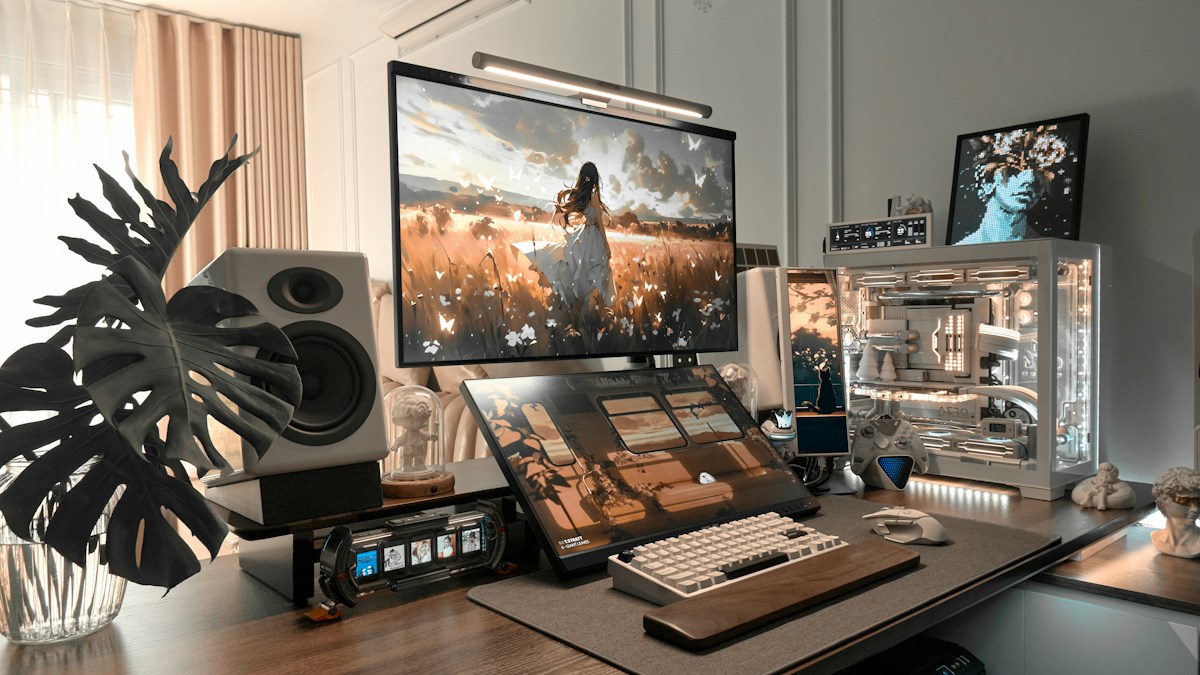
Electrical troubleshooting for workstation lighting: why plugging light bars into unpowered monitor hubs causes strobe flickering and resets.
The Electrical Demands of High-CRI LED Arrays
Modern high-output monitor bars pack between 60 and 90 high-density SMD LEDs running at high luminous efficiency. Delivering up to 1000 lux at 45cm distance requires between 5 watts (5V / 1A) and 10 watts (5V / 2A) of continuous, ripple-free direct current. Premium bars with dual ambient rear lighting and wireless receivers peak at 9.5W during simultaneous maximum brightness operation.
The Low-Power Monitor USB Port Bottleneck
Many computer monitors incorporate downstream USB-A hub ports rated for legacy USB 2.0 standards, which specify a maximum current limit of only 500mA (2.5 watts). Plugging a 10W light bar into a 2.5W monitor hub causes immediate voltage sag: the bar may power on at minimum brightness, but as soon as the user dials up lux or switches to cool white, the controller resets or pulses violently.
Ground Loops and High-Frequency PWM Strobe Risks
When powered by low-quality ungrounded multi-chargers, cheap light bar controllers can introduce high-frequency electrical noise or sub-harmonic flicker. High-speed shutter tests (such as slow-motion phone camera tests) reveal invisible 120Hz strobing that triggers subconscious headaches and visual fatigue during long coding sprints.
Technical Specifications & Engineering Matrix
| Power Source | Voltage / Amperage Output | Max Wattage | Performance Reliability | Flicker Risk |
|---|---|---|---|---|
| Dedicated 5V/2A Wall Charger | 5.0V / 2.0A – 2.4A | 10.0W – 12.0W | 100% Stable (Max Lux Output) | Zero (True DC Steady State) |
| Thunderbolt / USB-C Dock Port | 5.0V / 3.0A (15W Profile) | 15.0W | 100% Stable (Full Feature Support) | Zero |
| Monitor Integrated USB-A Hub | 5.0V / 0.5A – 0.9A | 2.5W – 4.5W | Unstable (Brownouts at High Lux) | High (Voltage Drop Flickering) |
| Motherboard Rear USB 3.2 Port | 5.0V / 1.5A (BC 1.2) | 7.5W | Stable for Standard Light Bars | Low |
| Passive Unpowered USB Splitter | 5.0V / Shared 0.5A | < 2.5W | Completely Inadequate | Extreme (Rapid Controller Loop Reset) |
💡 Expert Field Recommendation
Always test your light bar at 100% brightness on cool white (both warm and cool LED channels fully engaged) using your chosen USB port; if the bar dims, flashes, or restarts, switch immediately to a dedicated USB wall plug.
Diagnostic Troubleshooting Checklist
- Bar Turns Off Immediately When Turning Knob Up: Voltage sag triggered the low-voltage cutoff circuit; the USB port cannot supply 2 amps. Move cable to a 5V/2A or 18W USB charger.
- High-Pitched Whine or Coil Buzzing Sound: The internal switching regulator is vibrating under insufficient current or dirty power; replace the USB power brick with a reputable certified unit.
- Bar Shuts Down When PC Goes to Sleep: PC motherboard USB ports cut 5V standby power in S3/S5 sleep states; enable “USB Power in Sleep Mode” in UEFI BIOS, or use a wall outlet.
Frequently Asked Questions
Can I use a 65W fast phone charger with my light bar?
Yes; modern USB-C Power Delivery (PD) chargers negotiate 5V safely and will only deliver the amperage requested by the light bar.
Why does my light bar feel warm to the touch?
The aluminum housing acts as a passive heatsink to dissipate thermal energy from the high-density LED strip, ensuring 50,000-hour LED lifespan.
Does a longer USB cable cause light bar flickering?
Yes; thin, unshielded 3-meter extension cables suffer internal copper resistance voltage drops; always use the OEM cable or high-gauge 20AWG cables.
Article researched, lab-tested, and verified by Arlo Chen, dedicated technical specialist and editorial contributor.