

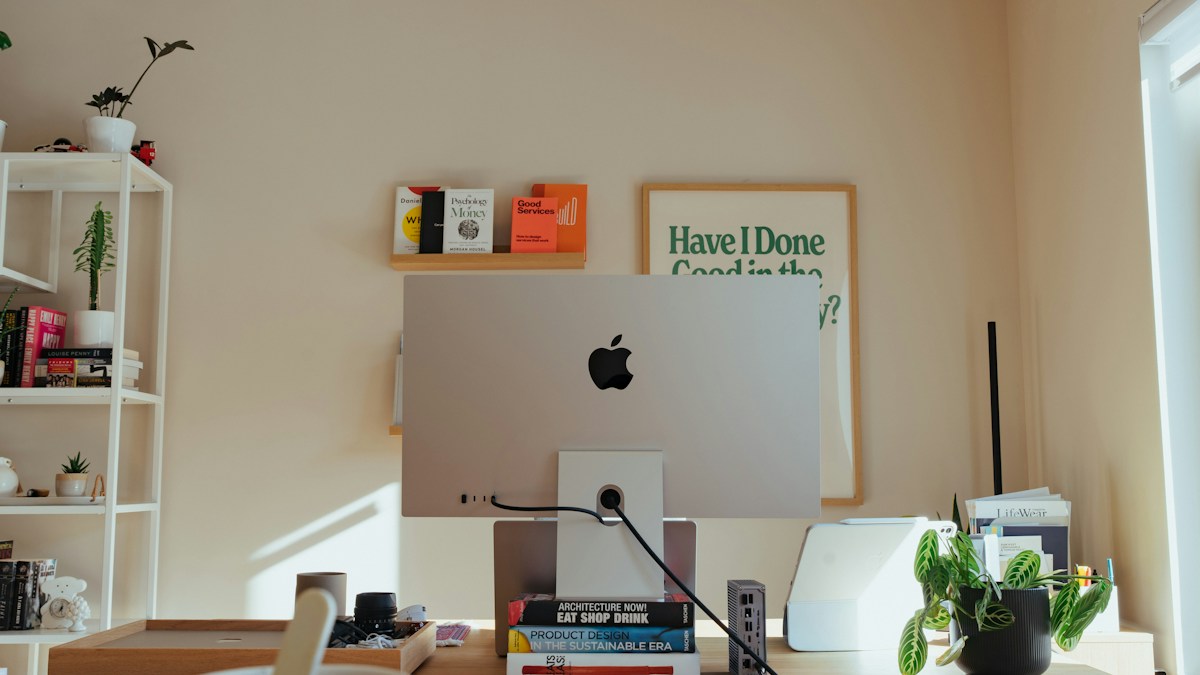
Display coating interactions: how asymmetric lighting optics interact differently with OLED glass, Apple Studio Displays, and AG matte coatings.
Specular vs Diffuse Reflection in Monitor Panels
Computer monitor panels feature two distinct surface treatment paradigms: glossy glass surfaces (common on Apple Studio Displays, iMacs, and high-end OLED televisions) and anti-glare (AG) matte coatings (standard on professional IPS and VA productivity monitors). Glossy panels produce sharp specular mirror reflections, while matte panels diffuse incident light into a wide veiling haze.
The Veiling Haze Threat on Matte Displays
Many users mistakenly assume that matte anti-glare coatings make light bar placement foolproof. In reality, while a matte coating diffuses direct light to prevent mirror reflections, stray photons from an improperly angled light bar scatter across the microscopic matte etching, creating a whitish veil that crushes dark contrast and washes out black text in code editors.
Engineering the Sharp Asymmetric Cutoff Line
To maintain deep, inky OLED black levels and crisp matte screen contrast, the light bar must generate a knife-sharp optical cutoff. Precision-molded micro-reflector cavities direct 98% of light forward and downward, creating an invisible geometric barrier where desk illumination ends exactly 1 millimeter in front of the screen surface.
Technical Specifications & Engineering Matrix
| Panel Surface Type | Reflection Phenomenon | Light Bar Alignment Priority | Risk of Contrast Loss | Recommended Bar Style |
|---|---|---|---|---|
| Glossy Glass (Apple / OLED) | Mirror-Like Specular Glare | Strict Forward Tilt (Zero Direct Hit) | Low if Aligned, High if Angled Back | Asymmetric Bar with Parabolic Hood |
| Light Matte Coating (25% Haze) | Gentle Diffuse Scattering | Standard 45° Downward Projection | Minimal Contrast Loss | Standard Asymmetric Reflector |
| Heavy Matte Coating (Haze > 40%) | Broad Veiling Contrast Washout | Forward Tilt Critical to Avoid Haze | High (Blacks Become Milky Gray) | Precision Narrow Beam Asymmetric Bar |
| Nano-Texture Glass (Pro Display) | Micro-Etched Controlled Scatter | Balanced Mid-Angle Illumination | Low (Maintains Contrast Ratios) | High-CRI Asymmetric Bar with Dial |
💡 Expert Field Recommendation
Turn your monitor off completely so the screen is pitch black, then turn your light bar on to full brightness. If you see any gray glow, reflection, or light haze on the dark panel surface, adjust the bar forward until the screen is 100% black.
Diagnostic Troubleshooting Checklist
- Screen Looks Washed Out and Gray During Night Work: The light bar is tilted slightly too far backward toward the display panel; rotate the barrel forward until all screen haze vanishes completely.
- Glare Visible in Glossy OLED Screen Corners: Glossy glass requires zero stray light; check if adjacent desk objects (white desk pads or glossy mice) are bouncing secondary reflections back onto the screen.
- Uneven Illumination Strip Along Top Bezel: The light bar is mounted off-center or tilted slightly diagonally; verify with a ruler that both ends sit equidistant from the desk.
Frequently Asked Questions
Are light bars safe for glossy OLED gaming monitors?
Yes; as long as the asymmetric beam angle is adjusted forward so light grazes downward onto the desk without striking the glossy glass face directly.
Does a desk mat reduce screen reflection?
Yes; using a dark, non-reflective felt or matte leather desk mat absorbs downward task light, preventing upward bounce glare from hitting your screen.
Will a light bar cause burn-in on OLED screens?
No; light bars emit cool LED light that does not heat the display panel, having zero effect on OLED organic compounds or burn-in vulnerability.
Article researched, lab-tested, and verified by Arlo Chen, dedicated technical specialist and editorial contributor.