

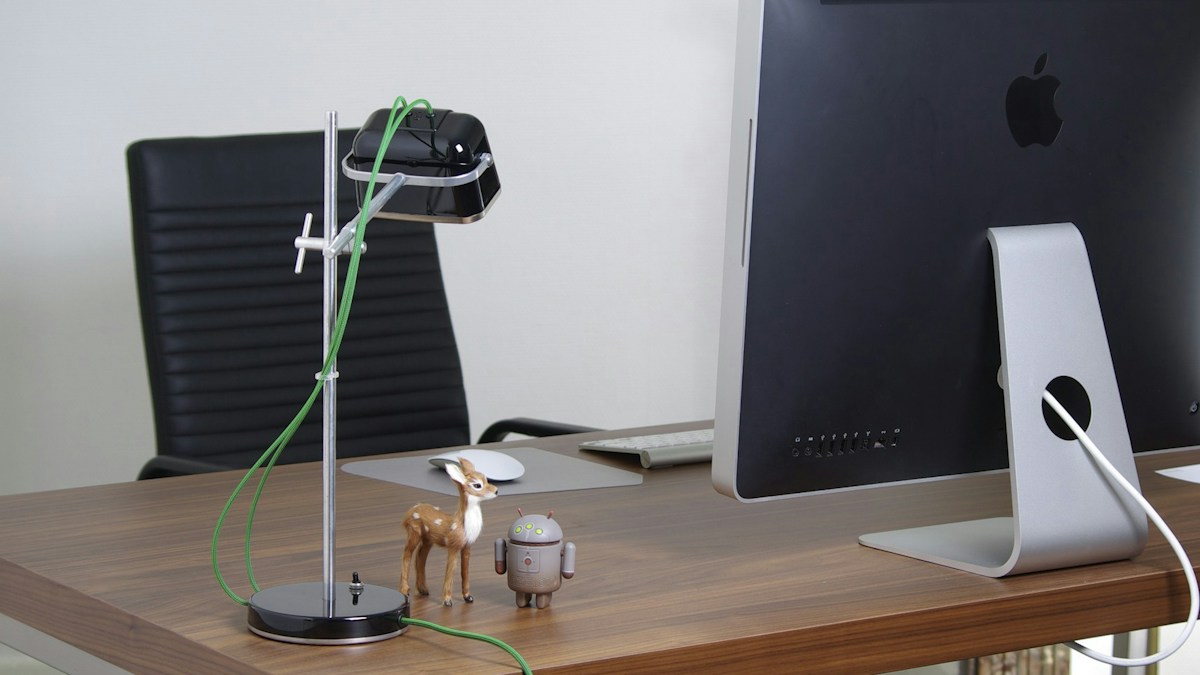
Preserving optical clarity: cleaning precision acrylic micro-lenses, preventing thermal degradation, and maximizing 50,000-hour LED lifespan.
Micro-Prism Optics and Dust Accumulation Degradation
The heart of an asymmetric light bar is its precision-extruded optical lens or prismatic reflector array. Over months of continuous operation, airborne dust, electrostatically attracted pet hair, and cooking aerosols accumulate across the horizontal lens surface. A dusty lens degrades beam coherence, turning an engineered sharp cutoff into a fuzzy light scatter that spills glare onto the monitor screen.
Safe Cleaning Protocols for Optical Acrylic and Aluminum
Never use ammonia-based glass cleaners, acetone, or abrasive scrubbers on monitor light bars. The optical lenses are crafted from optical-grade polymethyl methacrylate (PMMA) or polycarbonate, which cloud or micro-scratch when exposed to harsh solvents. Use a dry air blower followed by a clean, plush microfiber cloth dampened with distilled water or 50% optical-grade isopropyl alcohol.
Thermal Management and LED Chip Longevity
Quality monitor light bars are housed in extruded aircraft-grade 6063 aluminum alloys that serve as a continuous passive thermal heatsink. Maintaining adequate airflow around the top bezel prevents LED junction temperatures from exceeding 65°C, ensuring the phosphor coating delivers its full rated 50,000-hour (10+ year) operational lifespan without lumen decay or color shifting.
Technical Specifications & Engineering Matrix
| Component | Cleaning Frequency | Recommended Cleaning Tool | Chemical to Avoid | Maintenance Objective |
|---|---|---|---|---|
| Acrylic Optical Lens | Monthly | Plush Microfiber + Distilled Water | Ammonia / Acetone / Windex | Maintain Sharp Glare-Free Cutoff |
| Aluminum Extruded Body | Bi-Monthly | Damp Microfiber Cloth | Abrasive Scrub Pads | Preserve Anodized Heat-Dissipating Finish |
| Counterweight Pivot Pads | Quarterly | Isopropyl Alcohol 70% Wipe | Petroleum Solvents | Restore High-Friction Grip on Monitor |
| Ambient Sensor Aperture | Monthly | Soft Lens Brush or Air Blower | Liquid Cleaners inside Sensor | Ensure Accurate Lux Auto-Dimming |
💡 Expert Field Recommendation
Always disconnect the USB power cable before cleaning your light bar; allow the aluminum housing to cool down to room temperature for 5 minutes before wiping down acrylic optical elements.
Diagnostic Troubleshooting Checklist
- Light Bar Has Yellow Foggy Patches on Lens: Harsh cleaning solvents damaged the acrylic substrate; buff gently with optical plastic polish or replace the snap-on lens cover if modular.
- Bar Emits Crackling Sounds When Heating Up: Thermal expansion of aluminum against plastic endcaps; loosen endcap mounting screws a quarter-turn to allow natural microscopic thermal flex.
- Light Output Seems Dimmer Than When New: A thick film of kitchen oil or ambient dust has settled on the lower diffuser; clean with 50% isopropanol and inspect USB power adapter output.
Frequently Asked Questions
Can individual LEDs be replaced if one burns out?
Quality light bars use integrated surface-mount SMD arrays rated for 50,000 hours; individual diodes are rarely serviceable, but whole strips rarely fail prematurely.
Does leaving the light bar on 24/7 shorten its life?
Running LEDs continuously accelerates thermal wear; use auto-shutoff timers or plug into monitor USB ports that power down when the computer sleeps.
How do I remove sticky residue from the monitor clamp?
Use a drop of vegetable oil or citrus-based adhesive remover on a cloth, then wipe down with isopropyl alcohol to leave a clean, non-greasy surface.
Article researched, lab-tested, and verified by Arlo Chen, dedicated technical specialist and editorial contributor.