

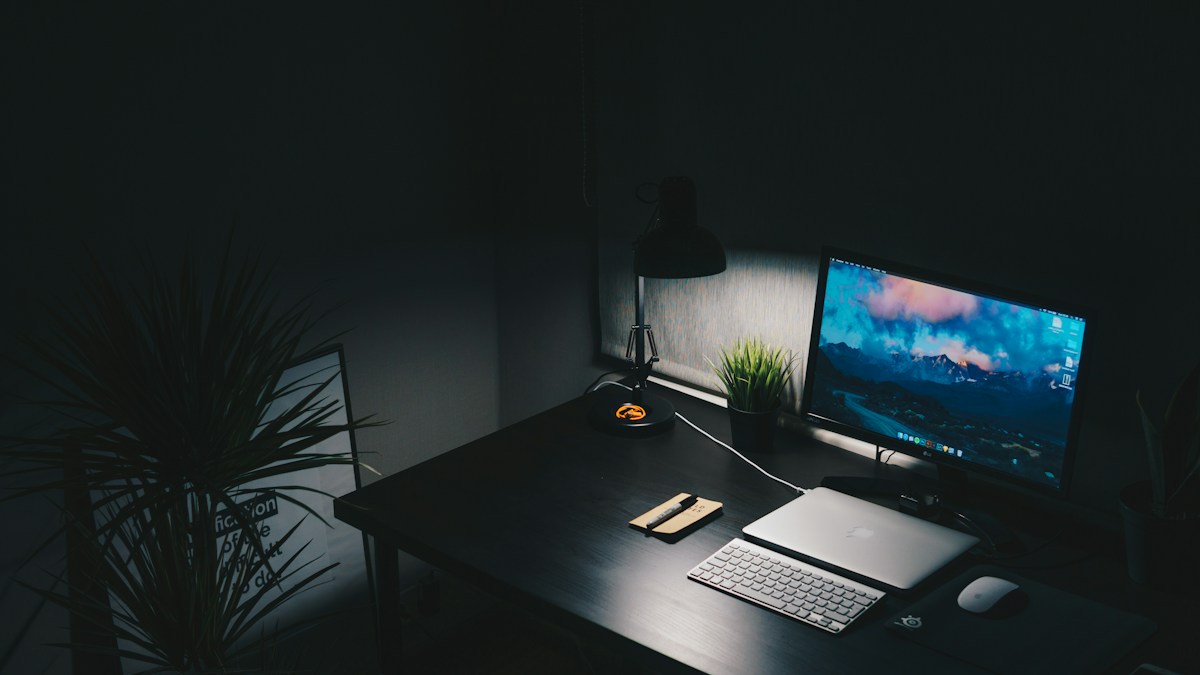
Optical engineering: Asymmetric forward-throw light beams, screen reflection elimination, and contrast balancing.
The Optical Flaw of Traditional Desk Lamps
Standard desk lamps feature symmetric conical light cones. When positioned near a computer monitor, light rays reflect directly off the glass display panel into your eyes, washing out screen contrast and creating blinding specular hotspots. Moving the lamp to the side creates harsh, unbalanced shadows across your keyboard and workspace, forcing your pupils to dilate and constrict continuously as your gaze shifts between screen and desk.
The Physics of Asymmetric Optical Beam Design
Premium monitor light bars (invented by BenQ ScreenBar) utilize custom internal parabolic reflectors and micro-prismatic optical lenses. Instead of projecting downward, the light beam is directed forward and downward at an exact 45-degree asymmetric angle. Light illuminates your keyboard, paperwork, and desk mat with intense uniform brightness, while completely bypassing the monitor glass panel. Zero light rays reflect into your eyes.
Eliminating Screen Glare and Lowering Pupil Fatigue
By eliminating screen reflections, your eyes no longer struggle against veiled glare. Furthermore, illuminating the desk surface in front of your monitor balances the luminance ratio between your bright display and dark ambient surroundings, complying with the international 3:1 office contrast comfort standard.
Technical Specifications & Reference Matrix
| Lighting Type | Screen Glare | Desk Illumination Uniformity | Space Taken on Desk |
|---|---|---|---|
| Traditional Gooseneck Lamp | Severe specular glare on screen | Uneven / Harsh shadows | Takes up valuable desk base space |
| Overhead Ceiling Troffer | Reflects in screen at top angles | Diffuse / Washed out | Zero desk footprint |
| RGB Monitor Backlight Strip | Zero glare / Pure ambient wash | Zero desk task illumination | Zero desk footprint |
| Asymmetric Monitor Light Bar | 100% Zero screen reflection | Uniform 500+ Lux task lighting | Zero (Clamps to top monitor bezel) |
💡 Expert Field Recommendation
Adjust the angle of the light bar so the cutoff line of the beam hits just below the top bezel of your display. If you see light shining directly onto the monitor panel, rotate the light bar barrel slightly forward until the screen is in complete shadow.
Diagnostic Troubleshooting Checklist
- Light bar flickers when computer wakes from sleep: Insufficient USB power delivery. Plug the light bar USB cable into a dedicated 5V/1A or 5V/2A wall power adapter rather than an unpowered keyboard USB hub.
Frequently Asked Questions
Does a monitor light bar damage or scratch the top monitor bezel or webcam?
No. Quality light bars use counterweighted gravity pivot clamps with soft silicone and non-marring rubber padding that rest gently on top bezels without screws or adhesives.
Article researched and verified by Arlo Chen, dedicated technical specialist and editorial contributor.