

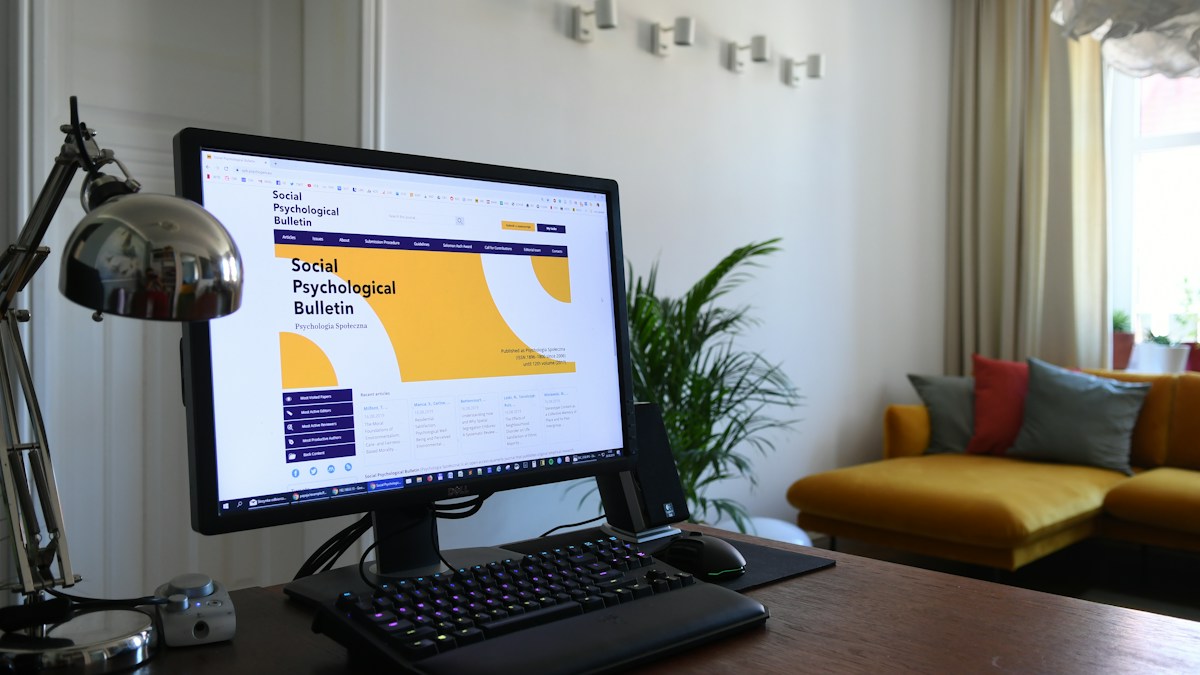
Tactile typing ergonomics: optimizing light bar beam dispersion to illuminate PBT/ABS keycaps, legends, and macro pads without blinding reflection.
The Challenge of Shinethrough and Glossy ABS Keycaps
Mechanical keyboard enthusiasts frequently utilize bespoke keycap profiles (OEM, Cherry, SA, MT3) crafted from either PBT or ABS plastics. Worn ABS keycaps develop a mirror-like shine that reflects overhead task light directly upward into the typist eyes. Standard overhead room lighting creates blinding glare spots across top-row function keys and number legends.
Asymmetric Beam Geometry Across the Keyboard Zone
Because an asymmetric monitor light bar projects light forward at a steep 45-degree angle rather than straight downward, the light rays strike keycaps from a forward-grazing vector. This grazing angle illuminates front-facing side legends and key top engravings cleanly while deflecting specular bounce glare away from the user face.
Wrist Rest and Desk Mat Contrast Harmony
Typing comfort relies on visual and physical ergonomics. Placing a black desk mat beneath illuminated keyboards absorbs excess downward lumens, preventing ambient scatter. Furthermore, wood or leather wrist rests illuminated by warm 3500K light provide comfortable tactile and visual transitions between keystrokes and desk paperwork.
Technical Specifications & Engineering Matrix
| Keycap Material / Finish | Glare Susceptibility | Optimal Light Bar Angle | Recommended Lux Level | Recommended Color Temp |
|---|---|---|---|---|
| Textured Matte PBT | Very Low (Diffuses Light) | Standard 45° Angle | 450 Lux | 4000K – 4500K Neutral |
| Smooth Polished ABS | High (Prone to Specular Dots) | Slightly Forward Angle | 350 Lux (Slightly Dimmed) | 3000K – 3500K Warm |
| Artisan Resin Keycaps | Moderate (Glossy Clear Coat) | Grazing 40° Angle | 400 Lux | 4000K High-CRI (>95) |
| Pudding / Polycarbonate Caps | High (Diffuser Bounce) | 45° Strict Forward Cutoff | 300 – 350 Lux | 3500K Balanced |
💡 Expert Field Recommendation
If your mechanical keyboard has RGB backlighting, calibrate your light bar brightness to 40% so keycap legends and ambient RGB backlighting remain distinct and clearly readable together.
Diagnostic Troubleshooting Checklist
- Annoying Glare Reflection on Top Row Function Keys: The light bar is mounted too far backward on the monitor; tilt the optical barrel 5 degrees forward so the light cutoff grazes over the keys.
- Keyboard Legends Ineligible in Dark Room: The desk illumination zone is falling behind the keyboard; slide your keyboard 5cm closer to the monitor base to enter the peak 500-lux focal pool.
- Wood Wrist Rest Developing Surface Glare: Apply matte beeswax or butcher block conditioner to wooden rests to reduce specular gloss and preserve rich, diffused grain aesthetics.
Frequently Asked Questions
Can a monitor light bar illuminate large split ergonomic keyboards?
Yes; the broad 60cm to 80cm horizontal beam spread easily covers split ergonomic keyboards (such as Ergodox or Moonlander) placed shoulder-width apart.
Does a light bar overpower RGB keyboard lighting?
Not when adjusted properly; setting the bar to 350–400 lux provides clear keycap legibility while allowing RGB underglow to remain vibrant.
Will light bar illumination cause keycaps to yellow over time?
No; quality LED light bars emit zero ultraviolet (UV) radiation, ensuring ABS and PBT plastics never suffer photochemical yellowing.
Article researched, lab-tested, and verified by Arlo Chen, dedicated technical specialist and editorial contributor.