

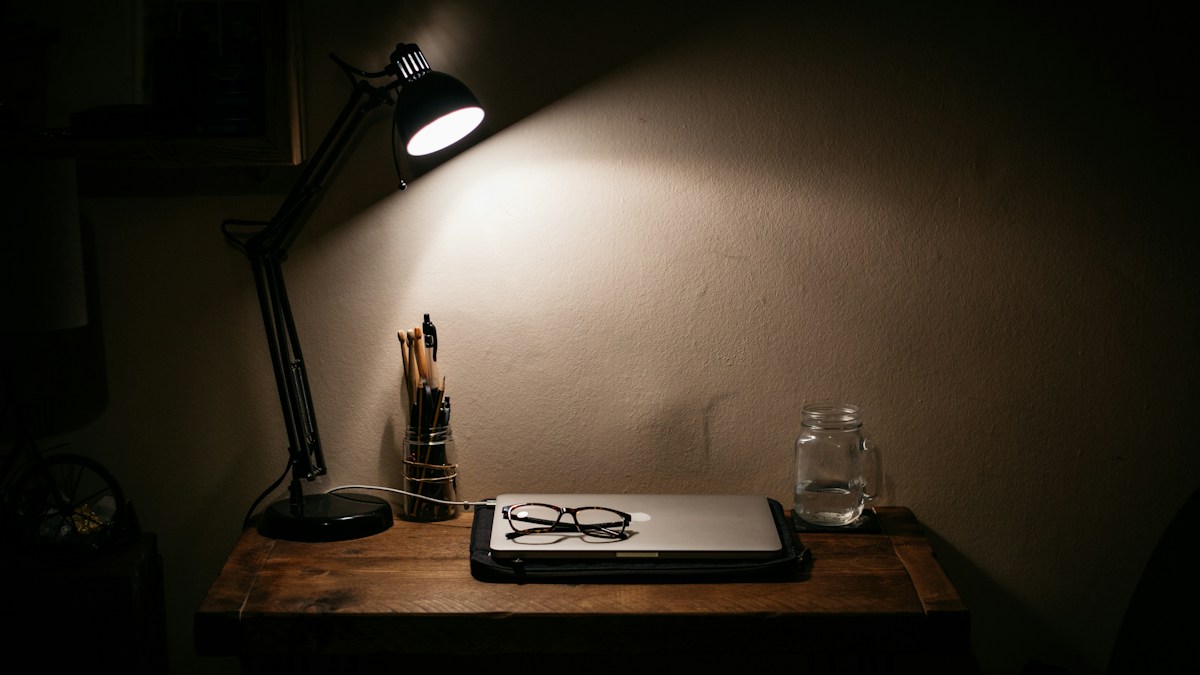
Desk aesthetic engineering: how monitor light bars eliminate bulky lamp bases, optimize desktop square footage, and conceal USB-C wiring.
Reclaiming Desktop Real Estate from Traditional Desk Lamps
Traditional articulated arm or swing-base desk lamps occupy between 40 and 120 square centimeters of prime desk surface. In minimalist workstations or compact sit-stand setups, large lamp bases create visual clutter and interfere with mousepad movement, audio monitors, and document placement. Monitor light bars achieve zero desktop footprint by floating suspended directly atop the display chassis.
Concealed Cable Routing Down Monitor Arms
A truly clean desk aesthetic requires invisible cable management. High-performance light bars feature detachable USB-C power ports positioned flush against the rear clamp foot. Routing a low-profile right-angle 90-degree USB-C cable directly into the internal cable raceway of your monitor gas-spring arm conceals wiring completely from front viewing angles.
Eliminating Cable Snags on Sit-Stand Height Transitions
In motorized sit-stand desks, cable slack must be managed precisely to prevent tension snags when transitioning between seated (72cm) and standing (110cm) heights. By powering the light bar directly from a rear monitor USB service port or a monitor-mounted USB hub, the power cable never crosses the moving desk-to-wall threshold, eliminating snag hazards entirely.
Technical Specifications & Engineering Matrix
| Lighting Type | Desk Footprint | Cable Visibility | Sit-Stand Compatibility | Visual Clutter Factor |
|---|---|---|---|---|
| Monitor Light Bar | 0 sq cm (Zero Footprint) | Completely Hidden in Monitor Arm | 100% Immune to Desk Movement Snags | Ultra-Minimalist (Clean Horizon) |
| Architect Swing-Arm Lamp | 50 – 80 sq cm (Clamp Foot) | Exposed Along Articulated Springs | Can Collide with Shelves When Raised | Industrial / Mechanical Clutter |
| Heavy Base Desk Lamp | 100 – 150 sq cm (Base) | Exposed Across Desktop Surface | Can Topple During Fast Desk Motion | Substantial Desk Encroachment |
| Under-Shelf LED Strip | 0 sq cm (Under Shelf) | Hidden Under Lip | Restricted to Desks with Upper Hutches | Minimalist but Static Coverage |
💡 Expert Field Recommendation
Use a 90-degree right-angle USB-C adapter at the light bar input port; this prevents the cable from looping upward and ensures a completely invisible silhouette behind the monitor frame.
Diagnostic Troubleshooting Checklist
- USB Cable Bends and Pulls Light Bar Crooked: The cable is too stiff or tightly bound with zip-ties; switch to an ultra-flexible silicone-jacketed USB-C cable with generous bend radius.
- Light Bar Falls Forward When Desk Rises Rapidly: The monitor arm accelerates abruptly; ensure the heavy counterweight foot rests firmly on the rear monitor chassis and clean grease from the contact pad.
- Monitor Pivot Tilts Down Due to Accessory Weight: The combined weight of monitor bar and webcam exceeds monitor arm tilt tension; tighten the hex bolt on your monitor mount tilt joint.
Frequently Asked Questions
How much weight does a monitor light bar add to a display?
Most monitor light bars weigh between 450 and 650 grams including counterweights, which is easily supported by any standard VESA monitor arm.
Can I power the light bar from my laptop USB port?
Yes; as long as the laptop port supplies at least 5V/1.5A, though connecting to a powered monitor or dock is preferred for clean cable routing.
Will a light bar fit on an Apple iMac?
Yes; models with counterweight gravity clamps (like BenQ or Xiaomi) fit iMac displays, though specialized adapters are sometimes recommended for slim iMac edges.
Article researched, lab-tested, and verified by Arlo Chen, dedicated technical specialist and editorial contributor.