

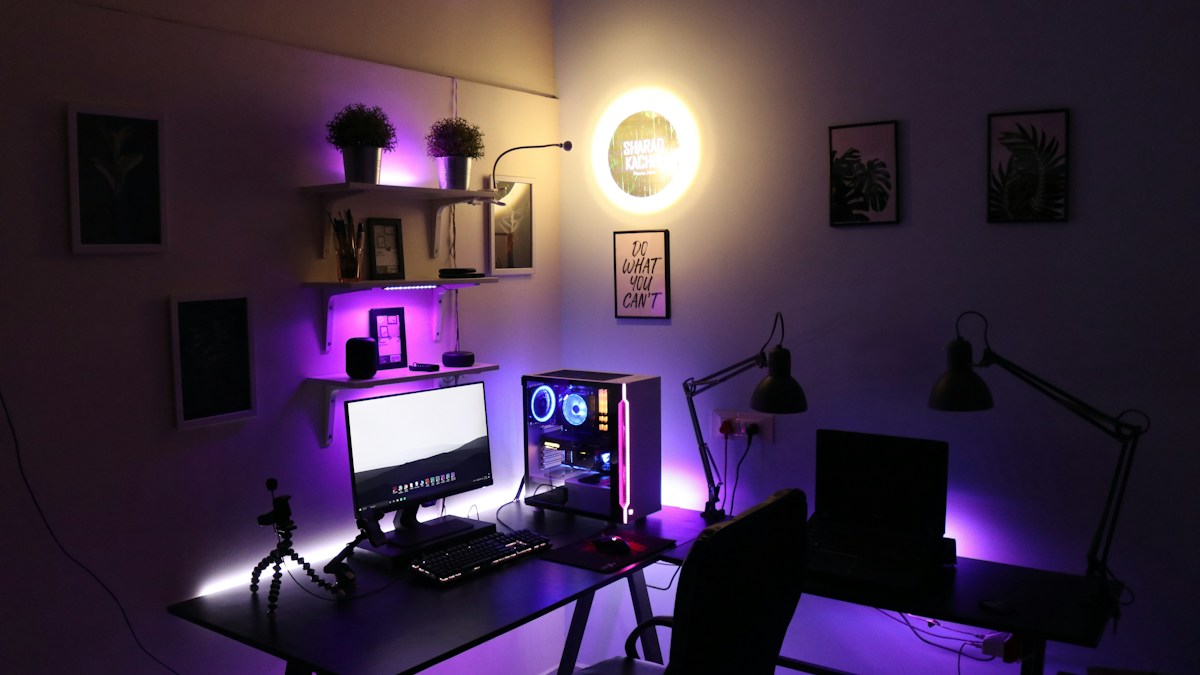
Automated illuminance regulation: Integrated photodiode sensors, real-time lux matching, and zero-flicker DC dimming.
The Failure of Static Desk Lighting Under Shifting Daylight
Ambient room light changes continuously from morning sunrise to afternoon overcast and evening dusk. A static desk lamp set to a fixed brightness will be too dim on sunny afternoons and blindingly bright at midnight. Manually adjusting brightness dials every hour disrupts deep workflow concentration. Automated ambient light sensors regulate task illumination autonomously.
Integrated Photocell Photodiodes and Closed-Loop Feedback
Modern intelligent light bars incorporate a downward-facing and forward-facing optical photodiode sensor. The sensor continuously measures ambient room lux and dynamically calculates the exact supplemental lumens required to maintain an unvarying 500 Lux standard on your desktop surface, seamlessly fading up as the room darkens.
PWM vs Constant DC Current Dimming: Eliminating Invisible Micro-Flicker
Cheap LED lamps dim by rapidly pulsing current on and off thousands of times per second (Pulse Width Modulation – PWM). While invisible to the conscious eye, low-frequency PWM flicker causes retinal strain, dry eye spasms, and neurological fatigue. High-grade light bars utilize smooth constant DC current dimming with zero PWM flicker (certified IEEE 1789 flicker-free).
Technical Specifications & Reference Matrix
| Dimming Technology | Dimming Method | Flicker Frequency | Neurological Impact |
|---|---|---|---|
| Cheap Pulse-Width Modulation (PWM) | Rapid On/Off micro-pulses | < 2,000 Hz | Silent eye strain & headaches |
| High-Frequency PWM Dimming | High-speed pulsing | 20,000+ Hz | Acceptable for short periods |
| Constant DC Linear Dimming | Smooth analog voltage reduction | Zero Flicker (Flatline DC) | Certified Eye Comfort (Zero strain) |
| Auto-Dimming Closed Loop DC | Photodiode sensor + DC dimming | Zero Flicker (Dynamic Lux) | Gold Standard Workstation Lighting |
💡 Expert Field Recommendation
Keep the ambient light sensor lens on top of the light bar free of dust. A dusty sensor lens tricks the microprocessor into thinking the room is pitch black, causing the light bar to dim unexpectedly.
Diagnostic Troubleshooting Checklist
- Light bar brightness oscillates up and down automatically: Light sensor is catching reflections from a shiny metallic desk item or reflective keyboard wrist rest. Rotate light bar slightly forward to clear the reflection.
Frequently Asked Questions
How fast does the auto-dimming sensor respond to lighting changes?
Quality auto-dimming systems feature a gentle 5-to-10 second damping curve. This prevents the light from flickering wildly if you briefly walk past the sensor or cast a momentary shadow.
Article researched and verified by Arlo Chen, dedicated technical specialist and editorial contributor.